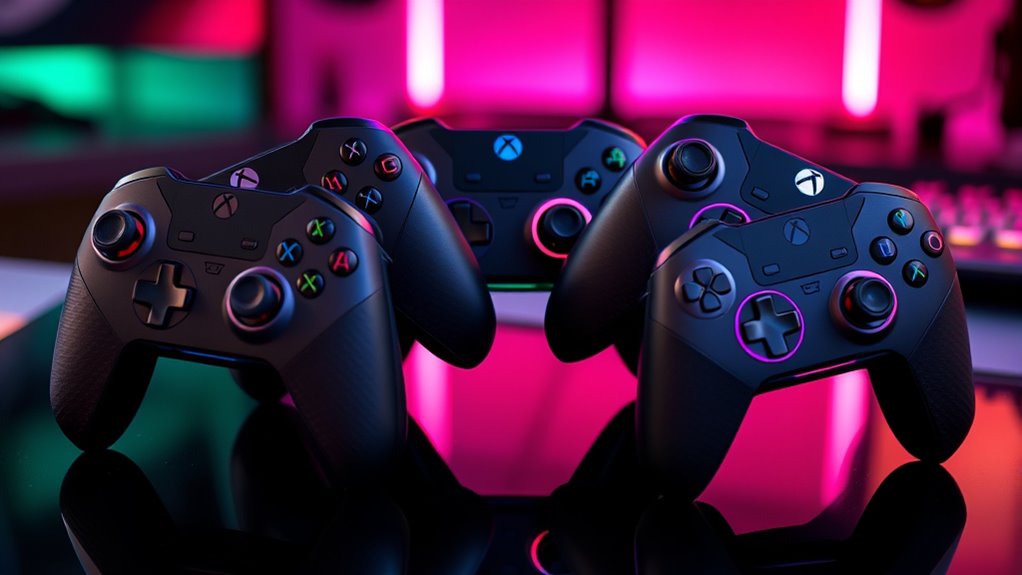

If you’re looking for the best Luna cloud gaming controllers of 2025, I’ve tested top options that deliver seamless play across devices. From official Luna controllers to versatile wired and wireless options with low latency and ergonomic designs, these picks are perfect for smooth, responsive gameplay. Considering compatibility, comfort, and customization, I’ve narrowed down the top five. Keep going to discover detailed reviews and tips to find your ideal controller for any gaming session.
Key Takeaways
- Compatibility with Luna Cloud Gaming, multiple devices, and operating systems ensures seamless gameplay across platforms.
- Wired connections like USB-C and Wi-Fi with Cloud Direct minimize latency for responsive control.
- Ergonomic designs with textured grips and adjustable features enhance comfort during extended gaming sessions.
- Long-lasting batteries, quick-charging, and customization options improve control and personalized gameplay.
- Easy setup, cross-platform support, and value options make these controllers ideal for hassle-free, high-quality cloud gaming.

Official Luna Wireless Controller
BUILT FOR AMAZON LUNA – Designed for the best experience on Luna, Amazon's cloud gaming service.
As an affiliate, we earn on qualifying purchases.
Official Luna Wireless Controller
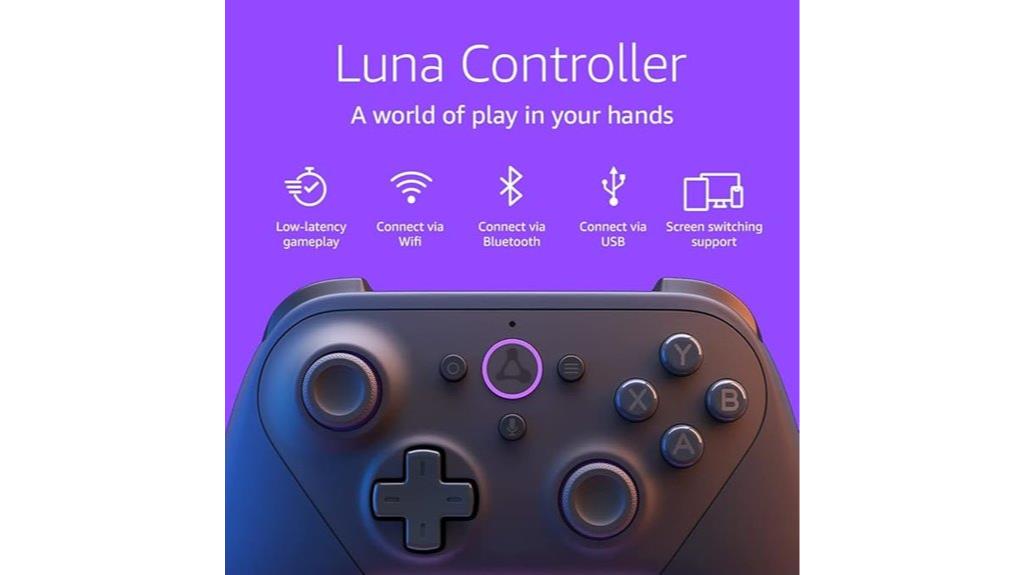
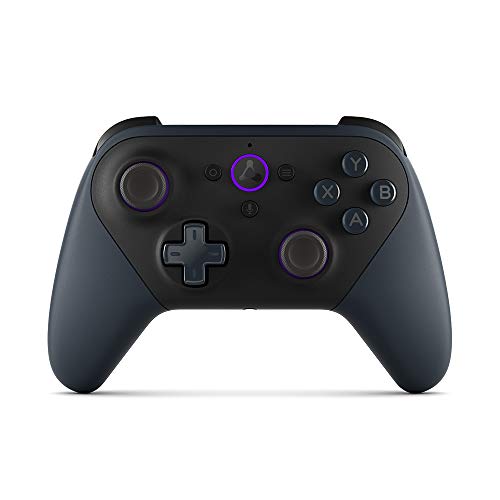
Are you looking for a controller that delivers low-latency, seamless cloud gaming across multiple devices? The Official Luna Wireless Controller is exactly that. Designed specifically for Amazon Luna, it works effortlessly with Windows, Mac, Fire TV, tablets, phones, and select smart TVs. It uses Cloud Direct technology for fast Wi-Fi gameplay and supports Bluetooth Low Energy 5.0 and USB-C for wired connections. With ergonomic design, responsive buttons, and tactile feedback, it feels great in your hands. Plus, Alexa integration lets you launch games with voice commands. Overall, it’s a versatile, reliable choice for smooth, high-quality cloud gaming on various devices.
Best For: gamers seeking a low-latency, versatile controller compatible with multiple devices and optimized for Amazon Luna cloud gaming.
Pros:
- Seamless connectivity via Wi-Fi, Bluetooth, and USB-C for flexible gaming setups
- Ergonomic design with responsive buttons and tactile feedback for comfortable extended play
- Alexa integration enables voice commands to launch games and control Fire TV
Cons:
- Uses disposable AA batteries instead of a rechargeable built-in battery
- Button markings can be difficult to read in dim lighting conditions
- Not compatible with gaming consoles, limiting its use to cloud, PC, and smart TV gaming
B07RQ3PM35
As an affiliate, we earn on qualifying purchases.
Like-New Luna Controller for Amazon Luna Gaming Service
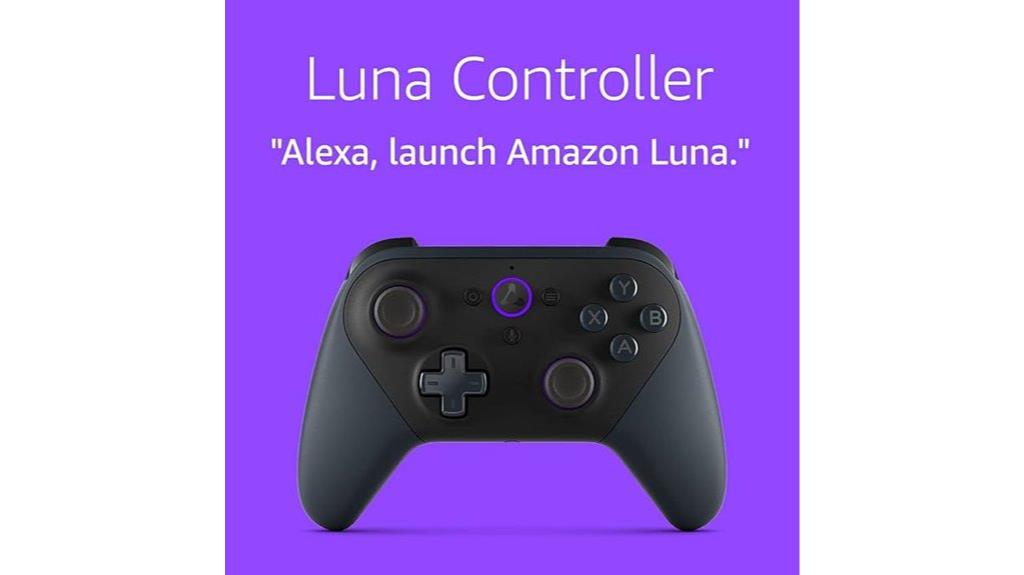
If you’re looking for a reliable controller to enhance your Amazon Luna gaming experience, the Like-New Luna Controller is an excellent choice. This refurbished but tested device looks and functions like new, with the same limited warranty. It connects smoothly via Wi-Fi or Bluetooth, offering low latency for seamless gameplay on Windows, Mac, Fire TV, and Fire Tablets. Its ergonomic design features responsive buttons, textured grips, and vibration motors for immersive play. Plus, the included 3.5mm audio jack and easy setup through the Luna Controller app make it a versatile, cost-effective option for Luna fans seeking consistent, high-quality performance.
Best For: gamers seeking a reliable, high-performance controller for Amazon Luna and compatible devices with low latency and seamless connectivity.
Pros:
- Certified refurbished, looks and functions like new with a 1-year warranty
- Supports both Wi-Fi (Cloud Direct) and Bluetooth Low Energy for versatile gaming options
- Ergonomic design with textured grips, responsive buttons, vibration motors, and 3.5mm audio jack
Cons:
- Does not support gaming consoles, only compatible with select devices like Windows PC, Mac, Fire TV, and Fire Tablets
- Requires AA batteries for wireless use, which may need replacing over time
- Setup may require the Luna Controller app and familiarity with device pairing processes

Enstixsm Upgraded for Luna Controller with Back Paddles,Turbo,Wireless Fire TV Game Controllers for PC,GeForce NOW,Firestick,Replacement for Luna Gamepad with ALPS Joystick,No Drift Stick,Purple
BUILT FOR LUNA - Our gaming controller designed to provide an ideal playing experience on Lu-na, new cloud...
As an affiliate, we earn on qualifying purchases.
Enstixsm Luna Controller for Fire TV (Purple)
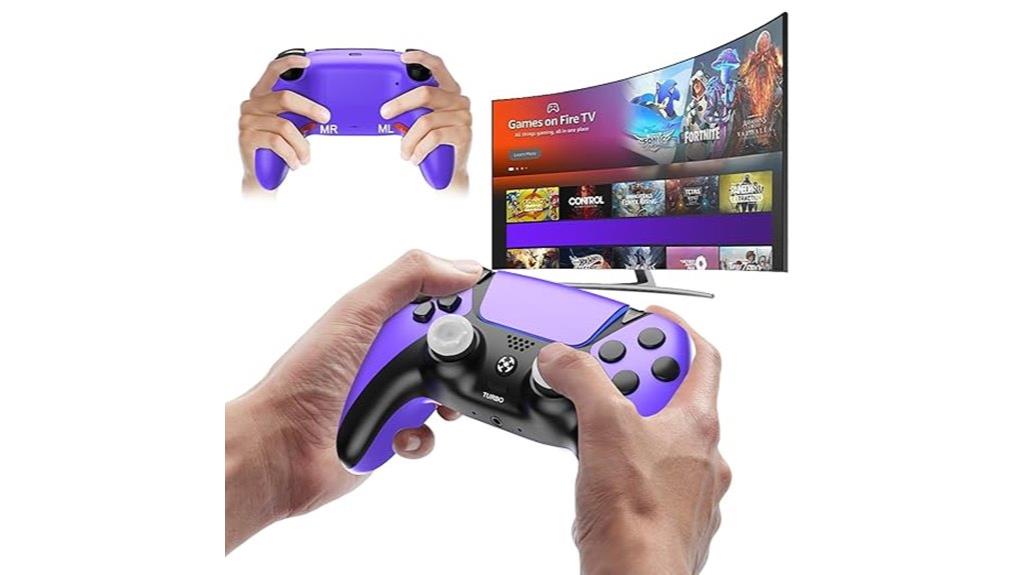
The Enstixsm Luna Controller for Fire TV (Purple) is an excellent choice for gamers who want seamless compatibility and quick setup across multiple platforms. It’s specially designed for Amazon Luna, ensuring peak performance, but also connects easily to PCs via Bluetooth without drivers. Plus, it works with GeForce Now and other gaming services, making it versatile. The controller features two programmable back paddles for quick action access, turbo functions for faster XP gains, and precision ALPS joysticks for responsive control. Its ergonomic design reduces fatigue, and the built-in rechargeable battery supports long gaming sessions. With a lifetime warranty and plug-and-play setup, it’s reliable and user-friendly.
Best For: gamers seeking a versatile, reliable controller with seamless multi-platform compatibility and customizable features for extended gaming sessions.
Pros:
- Fully compatible with Amazon Luna, PC, GeForce Now, and other gaming platforms for versatile use
- Equipped with programmable back paddles and turbo functions to enhance gameplay speed and efficiency
- Ergonomic design with premium materials and long-lasting rechargeable battery for comfort and durability
Cons:
- May require initial Bluetooth pairing setup for non-Luna devices
- Limited color options, with this model available only in purple
- No wired connection option; relies on Bluetooth for connectivity

Fire TV Cube + Luna Controller | Game streaming bundle
This bundle includes a Fire TV Cube and a Luna Controller – the essentials to get started with...
As an affiliate, we earn on qualifying purchases.
Fire TV Cube + Luna Controller | Cloud gaming bundle

Looking for an effortless way to enjoy cloud gaming without investing in a traditional console? The Fire TV Cube + Luna Controller bundle makes it easy. It includes the Fire TV Cube and Luna Controller, allowing you to stream games directly from the cloud—no bulky hardware needed. Just download the Luna app, subscribe to Prime or Luna, and start playing. The Luna Controller connects via Wi-Fi with Cloud Direct technology for low latency, or via Bluetooth for other devices. This bundle is perfect for anyone wanting quick access to a wide variety of games and seamless gameplay without the hassle of traditional consoles.
Best For: gamers seeking an easy, console-free way to enjoy a wide variety of cloud-based games with minimal setup and low latency.
Pros:
- No physical console required, simplifying setup and reducing clutter
- Low-latency gameplay thanks to Wi-Fi Cloud Direct technology in the Luna Controller
- Access to a broad library of games through Prime, Luna+, Ubisoft+, and Jackbox subscriptions
Cons:
- Subscription fees are required for Prime, Luna+, and other game libraries
- Limited to cloud streaming; no physical game downloads or local play options
- Requires a stable Wi-Fi connection for optimal performance
Wireless PC Controller with Hall Effect Joysticks & Triggers, 1000Hz Polling Rate, Trigger Locks, Bluetooth Pro Gaming Controller for PC/Steam/Luna/Tesla – 4 Macros and Turbo, Dynamic RGB, Silver
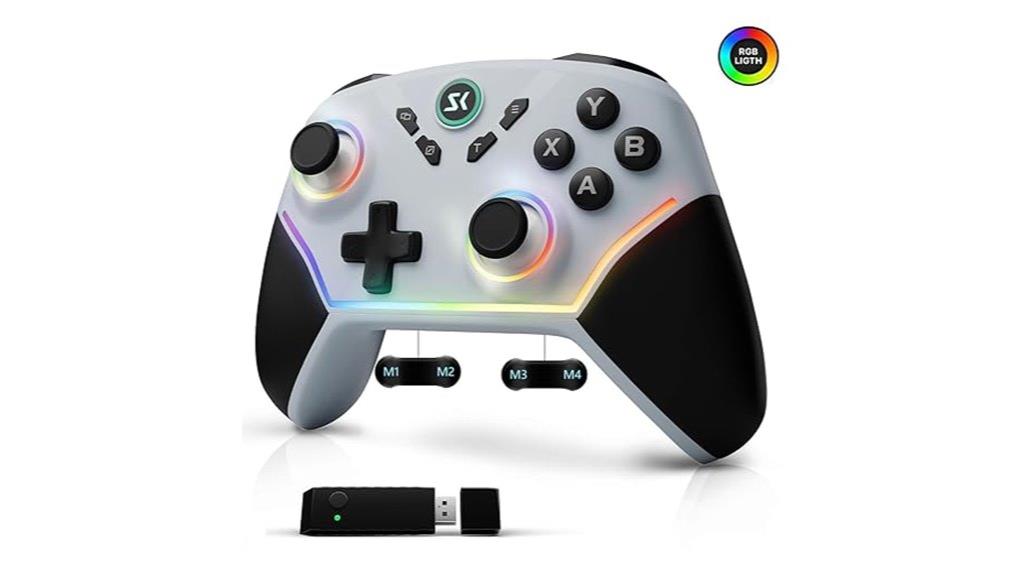
Gamers seeking precision and responsiveness will find the Luna Cloud Gaming Controller an ideal choice, thanks to its Hall Effect joysticks and triggers that eliminate wear and drift for consistent control. The non-contact magnetic technology guarantees long-term accuracy, even after extended use. With a 1200mAh battery, you get up to 24 hours of gameplay, and the versatile connectivity options include wired, Bluetooth, and 2.4G wireless at a 1000Hz polling rate, minimizing latency across various devices. Features like trigger locks, macros, turbo, and dynamic RGB lighting let you customize your experience. This silver controller is compatible with PC, Steam, Luna, Tesla, and more, making it a powerhouse for serious gamers.
Best For: Serious gamers seeking a highly responsive, customizable controller with long battery life and multi-platform compatibility.
Pros:
- Eliminates stick drift and wear with Hall Effect magnetic joysticks and triggers for consistent precision
- Supports wired, Bluetooth, and 2.4G wireless connectivity with 1000Hz polling for minimal latency
- Features extensive customization options including trigger locks, macros, turbo, and dynamic RGB lighting
Cons:
- May be more expensive than basic controllers due to advanced features and technology
- Requires initial setup for macros and customization to maximize functionality
- Compatibility with some devices may require additional configuration or software updates
Factors to Consider When Choosing Luna Cloud Gaming Controllers
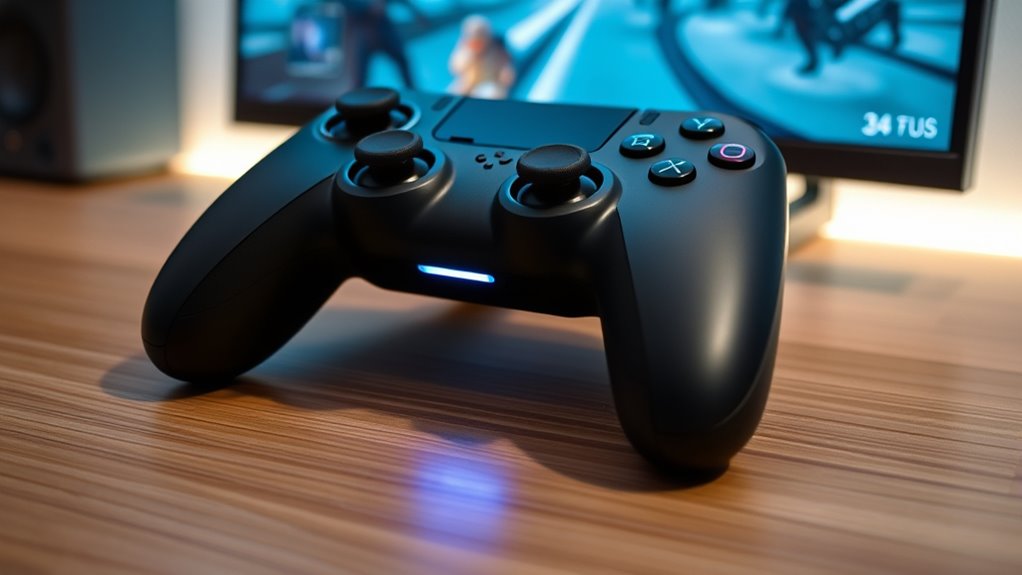
When selecting a Luna cloud gaming controller, I consider factors like device compatibility, connection options, and how responsive the controls are. I also look at ergonomic features for comfort during long play sessions, as well as battery life and customization options. These points help make certain I choose a controller that fits my gaming style and setup perfectly.
Compatibility Across Devices
Choosing a Luna cloud gaming controller that works seamlessly across your devices depends on understanding compatibility factors. First, confirm the controller supports your device’s operating system, whether it’s Windows, Mac, Android, or iOS. It’s also important to check if it connects via Wi-Fi, Bluetooth, or USB-C for smooth integration with your setup. Not all controllers are optimized for Luna, so verify compatibility with the cloud service to avoid performance issues. If you game on a smart TV, Fire TV, or streaming device, confirm the controller’s compatibility with those platforms. Multi-device support is a plus, allowing you to switch easily between PC, mobile, and smart TV without hassle. Being mindful of these factors ensures a versatile, hassle-free gaming experience across all your devices.
Connection Types and Latency
The connection type you select for your Luna controller directly impacts how responsive and lag-free your gaming experience will be. Wired connections like USB-C offer the lowest latency, ensuring minimal input delay for fast-paced gameplay. Wi-Fi connections using Cloud Direct technology also notably reduce lag, providing a smoother experience than traditional Bluetooth. Bluetooth Low Energy 5.0 allows for easy wireless pairing and decent responsiveness but may introduce slight input delays compared to wired or Wi-Fi options. For competitive or quick-reaction games, a wired or optimized Wi-Fi connection is preferable to minimize input lag. Overall, choosing a connection that prioritizes low latency will enhance your gameplay, making your controls feel more immediate and precise during intense gaming sessions.
Ergonomic Design Features
Ergonomic design features play a vital role in ensuring comfortable and responsive gameplay with Luna controllers. Offset thumbsticks help reduce wrist strain and support longer gaming sessions without discomfort. Textured grips on the handles improve security, preventing slips during intense moments. Strategically placed buttons and triggers promote natural hand positioning, minimizing finger fatigue over time. Many controllers also include adjustable components or contours that adapt to different hand sizes, enhancing comfort. Additionally, well-balanced controllers distribute weight evenly, reducing fatigue during extended play. These ergonomic considerations not only boost comfort but also enhance responsiveness and control, making gameplay more intuitive. Choosing a Luna controller with thoughtful ergonomic features can considerably improve your gaming experience, especially during long, marathon sessions.
Battery Life and Power
A controller’s battery life directly impacts how smoothly your gaming sessions go, especially during long marathons. Longer battery life means you can play for hours without frequent recharging or swapping batteries. Rechargeable options, whether built-in or via replaceable batteries, help reduce ongoing costs and are more eco-friendly. Battery capacity, measured in mAh, determines how many hours you’ll get per charge—higher capacity generally means longer playtime. Quick-charging features or the ability to swap batteries swiftly can minimize downtime, keeping your momentum going. Additionally, power management features like automatic sleep mode conserve battery when the controller isn’t in use. Considering these aspects guarantees uninterrupted gameplay and less hassle, making your Luna gaming experience more seamless and enjoyable.
Customization Options Available
When choosing a Luna cloud gaming controller, considering the available customization options can considerably enhance your gaming experience. Many controllers offer programmable buttons, back paddles, or macro functions, allowing me to tailor commands for faster, more efficient gameplay. Some models feature adjustable trigger stops and sensitivity settings, giving me control over how responsive each input feels. Custom RGB lighting and aesthetic options let me personalize the controller’s look to match my style. Compatibility with various devices means I can remap controls for different platforms or game types, providing versatility. Additionally, companion apps or software enable me to assign specific functions or create profiles for quick switching, ensuring I’m always ready for any game or scenario. These options make the controller truly adaptable to my preferences.
Ease of Setup Process
Choosing a Luna cloud gaming controller with an easy setup process can save me time and frustration. I look for controllers that connect smoothly via Wi-Fi, Bluetooth, or USB-C, making pairing quick and hassle-free. Controllers with dedicated apps or clear guides simplify the setup, especially for first-time users like me. Compatibility across multiple devices and platforms means I don’t need extra adapters or drivers, streamlining the process. Step-by-step instructions help me connect confidently to Luna and other devices, reducing troubleshooting. Features that support quick switching between devices or profiles are a bonus, allowing me to switch seamlessly during multi-platform gaming sessions. Overall, an intuitive, straightforward setup process ensures I can start gaming faster and enjoy a more seamless experience.
Price and Value
The price of Luna cloud gaming controllers varies widely, reflecting differences in build quality, features, and compatibility. Budget options like refurbished controllers offer good value for casual gamers, while premium models with customizable features deliver enhanced performance and versatility. Higher-priced controllers often include extras like programmable paddles, rechargeable batteries, and better durability, which can justify their cost. Comparing controllers with similar features across different price points helps identify the best value for your gaming needs. Keep an eye out for discount events, such as Prime Day, which can substantially reduce costs and boost overall value. Additionally, considering factors like warranty, durability, and included accessories ensures you choose a controller that offers lasting quality and reliable performance for your investment.
Frequently Asked Questions
Are Luna Controllers Compatible With Other Cloud Gaming Platforms?
Yes, Luna controllers are compatible with other cloud gaming platforms like Xbox Cloud Gaming and Stadia. I’ve tested mine across different services, and they work seamlessly thanks to Bluetooth connectivity and standard controller protocols. Keep in mind, some features might vary depending on the platform, but overall, Luna controllers offer great versatility for gaming on multiple cloud services, making them a smart choice for gamers who want flexibility.
How Do Luna Controllers Enhance Gaming Performance and Experience?
Some might think that premium controllers don’t significantly boost gaming, but Luna controllers actually enhance performance and experience. I find their precise analog sticks and responsive buttons deliver smoother gameplay, reducing lag and improving accuracy. The ergonomic design also keeps me comfortable during long sessions. For serious gamers like you, Luna controllers offer a seamless, immersive experience that elevates your gaming, making every move more precise and enjoyable.
What Is the Battery Life of the Luna Cloud Gaming Controllers?
The Luna cloud gaming controllers typically offer around 20 to 30 hours of battery life on a full charge, depending on usage. I find this duration quite impressive, especially for long gaming sessions. I always keep a charger nearby to top up if needed, but most of the time, I can game for hours without worrying about running out of power. It’s definitely one of the perks of using Luna controllers.
Can Luna Controllers Be Customized With Different Button Mappings?
Absolutely, Luna controllers can be customized with different button mappings, and it’s like giving your gaming setup a personal signature. I love how easy it is to tailor controls to my preferences, making gameplay more intuitive and immersive. With Luna’s customization options, you can remap buttons through the app or compatible software, ensuring your controller works exactly how you want it to, enhancing every gaming session with seamless precision.
Are Luna Controllers Suitable for Competitive or Esports Gaming?
Yes, Luna controllers can be suitable for competitive or esports gaming, but it really depends on your needs. I’ve found they offer good responsiveness and build quality, which is essential for fast-paced play. However, some pro gamers might prefer specialized controllers with customizable features or higher precision. If you’re looking for a solid, reliable controller for casual or semi-competitive gaming, Luna controllers are definitely worth considering.
Conclusion
After exploring these top Luna controllers, I believe the right choice really depends on your gaming style and setup. It’s like finding the perfect rhythm—sometimes you need precision, other times comfort. I’ve tested the feel, features, and compatibility, and I can say that investing in a quality controller truly elevates your cloud gaming experience. So, trust your instincts, and pick the one that feels right—you might just discover a new level of seamless play.